How do I track inventory on Vinted?+
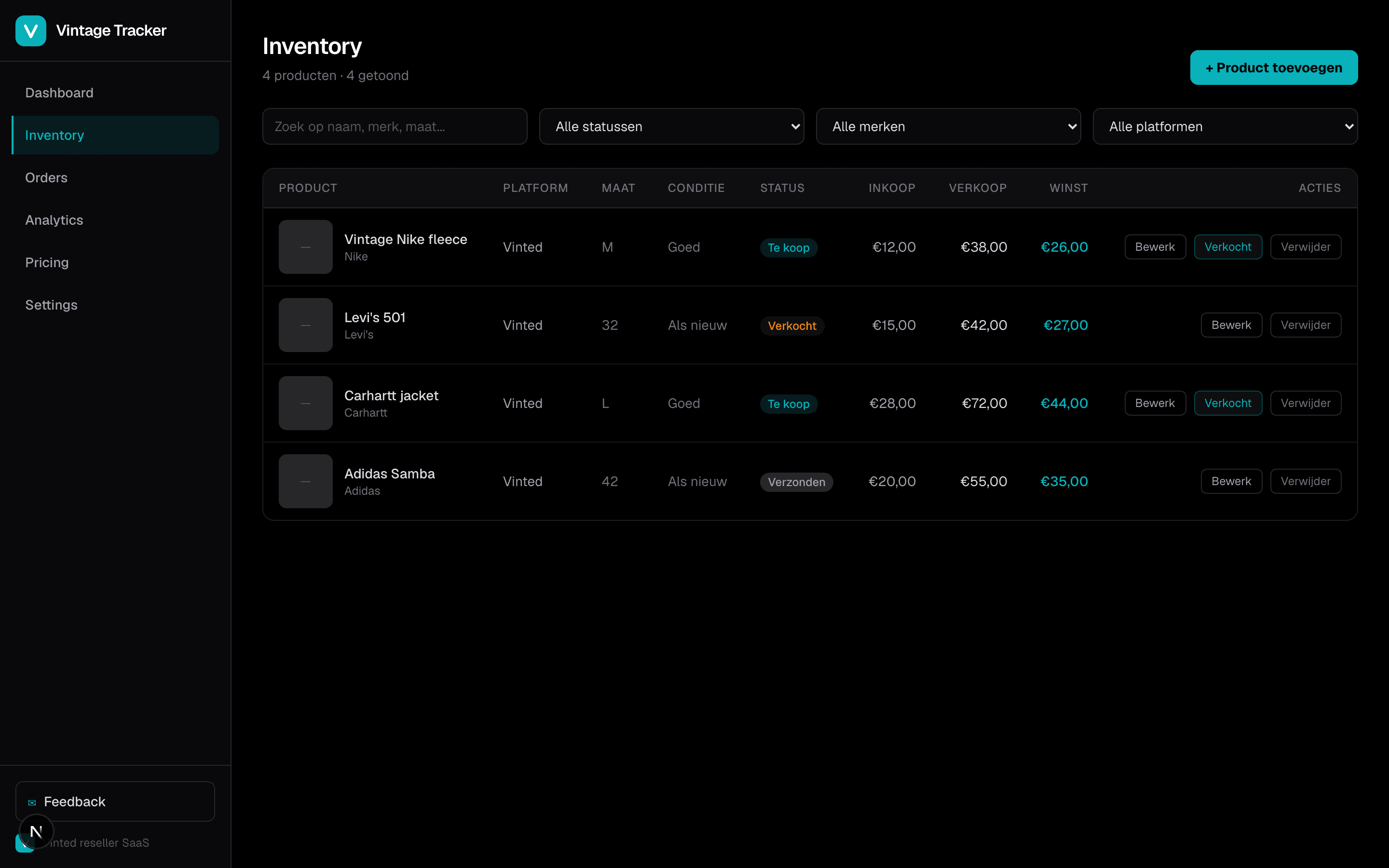
Vintage Tracker is a Vinted inventory tracker that stores every listing with photos, size, condition, buy price, and sell price in one dashboard. Add items manually or paste a Vinted listing URL to import details. Filter by brand, status, or platform to see what is listed, sold, or shipped.
How do I calculate profit on Vinted?+
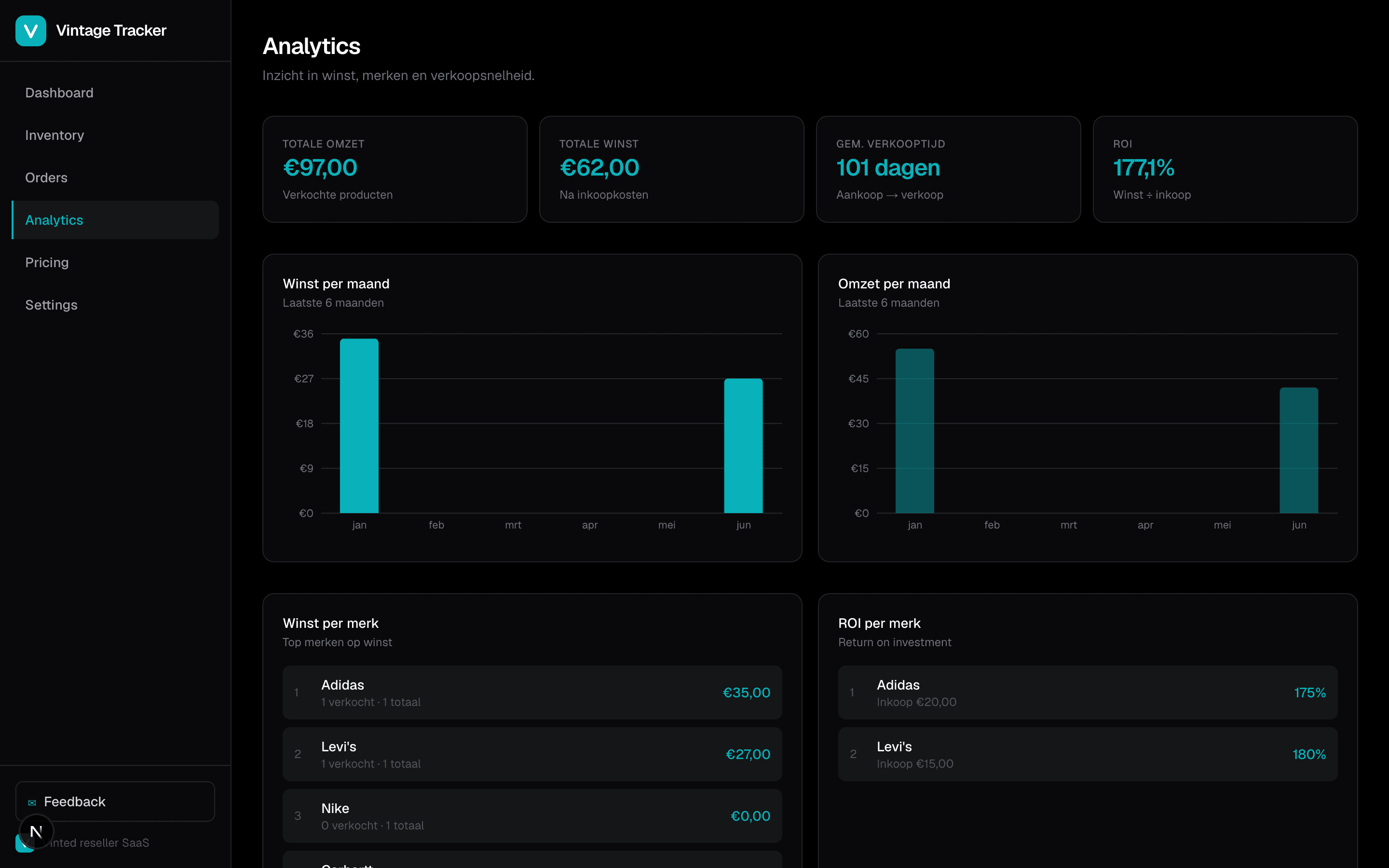
Enter your buy price and sell price per item. Vintage Tracker calculates profit and ROI automatically — per product, per order, and by brand in Analytics. No spreadsheets required.
What software do Vinted resellers use?+
Many resellers start with spreadsheets, but growing sellers use dedicated Vinted reseller software like Vintage Tracker — a Vinted business dashboard for inventory, orders, profit tracking, and analytics in one place.
How do I manage Vinted stock across platforms?+
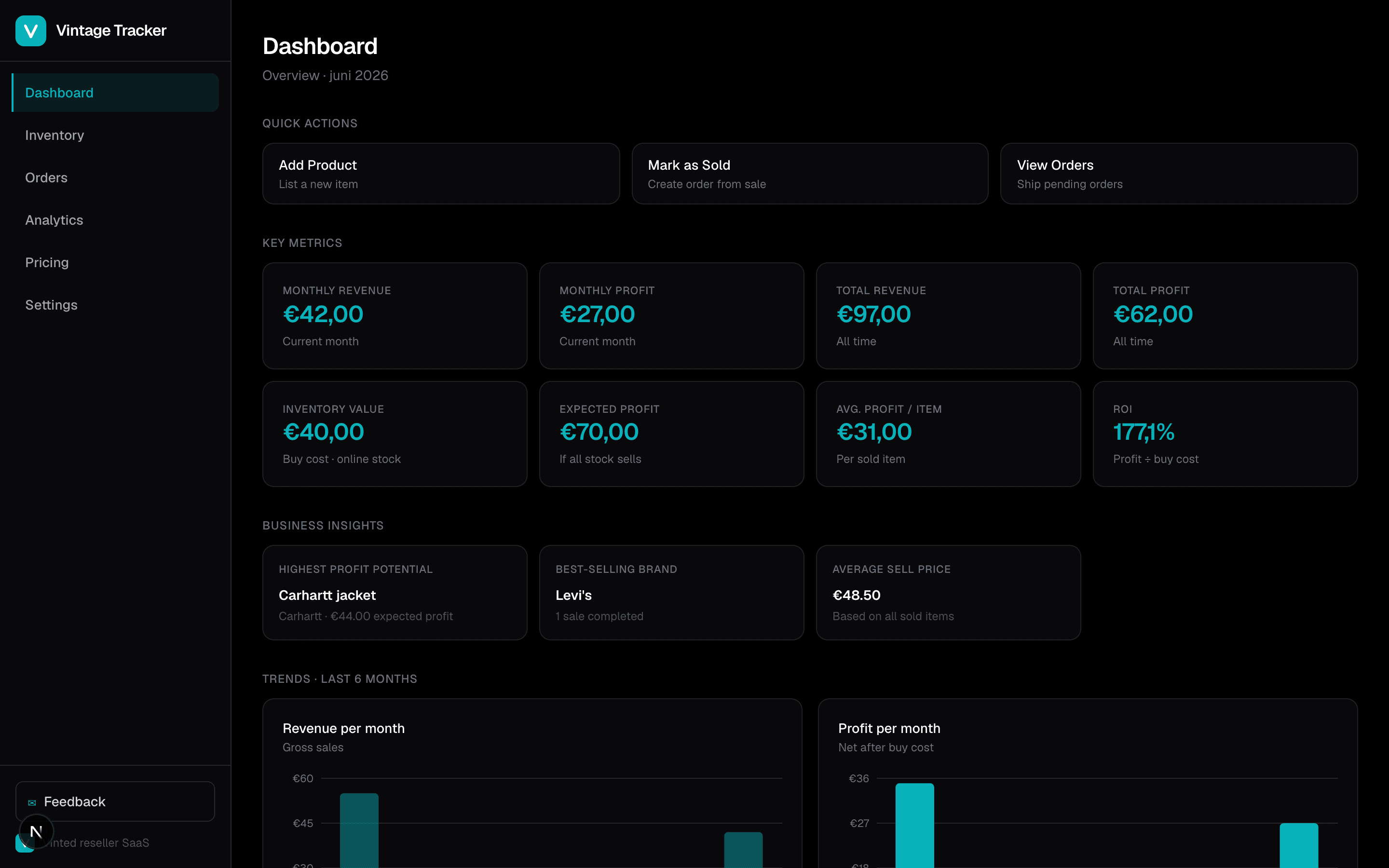
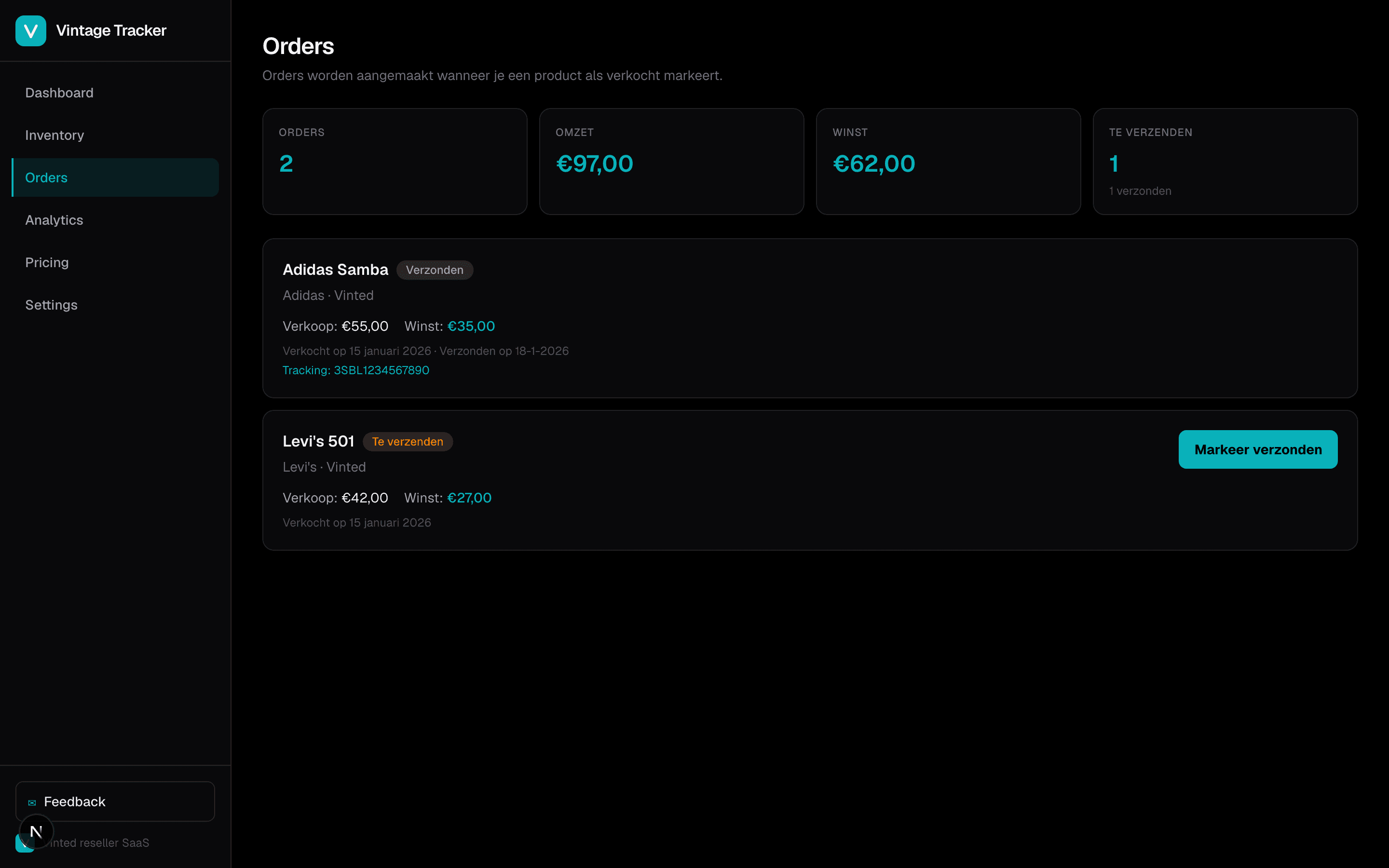
Use Vintage Tracker as inventory management for Vinted sellers: track items listed on Vinted, Marktplaats, or eBay, monitor expected profit on unsold stock, and mark items sold to create orders with shipping status.
How does the free trial work?+
You get 14 days of full Pro access — no credit card required. After the trial, choose Starter (€4,99/month) or Pro (€9,99/month).
Can I import listings from Vinted?+
Yes. Paste a public Vinted listing URL to preview title, brand, size, price, and photo. Review the data, add your buy price, and save — the product is stored with a link back to the original listing.
Can I cancel anytime?+
Yes. Cancel through the Stripe Billing Portal in Settings. No hidden fees or long-term contracts.
Does Vintage Tracker include Vinted analytics?+
Pro includes Vinted analytics: profit by month, ROI by brand, average sell-through time, and revenue trends — all calculated from your real sales data.
Still have questions?
Start your trial and explore — no credit card needed.
Start free trial